Why an app blocker can be easy to ignore
You set the limit, then dismiss it. Explore why a warning can leave you stuck and what a useful next action could add.
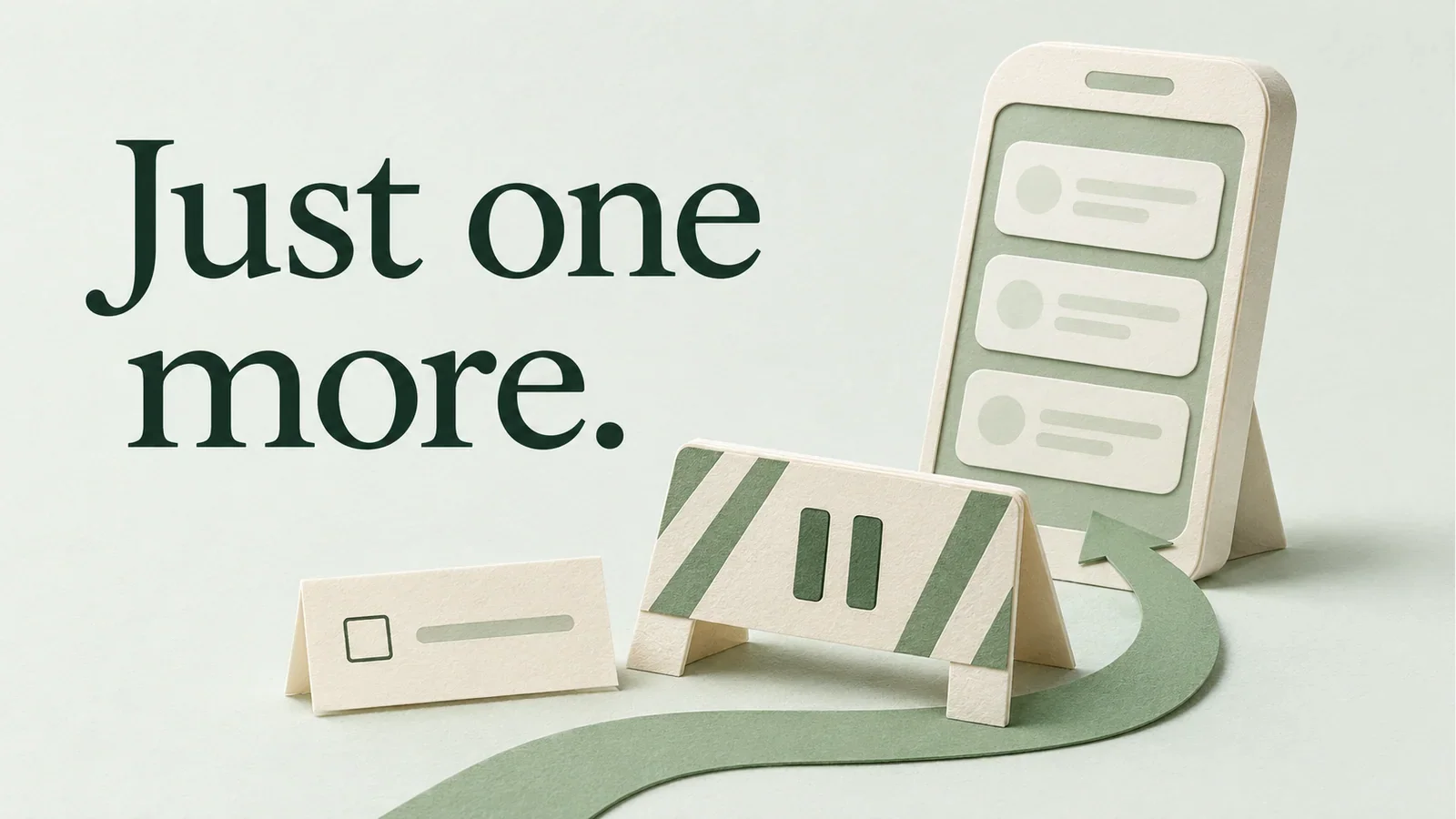
A paper path curves around a pause barrier toward a phone, beside an unchecked task card.
You open YouTube with a task still half-finished in another tab. A blocker appears, and you choose to continue.
It was your own limit. Why did dismissing it feel so easy?
A blocker can interrupt a visit while leaving your next step unclear. When it lets you continue, the website stays within reach. Meanwhile, the task you wanted to do may still feel vague, difficult or out of sight.
The warning may leave the same decision in front of you
Your task list says “work on the proposal.” You get stuck, switch tabs and hit a pause screen. Even if you close that tab, the unfinished proposal is waiting, with no obvious place to start.
A specific next action could help here: open the proposal and write the first paragraph of the scope. The blocker interrupts the detour, but you still need a clear way back.
Sometimes you need the website. The tutorial you came for may be on YouTube, or a message may be waiting in a social app. Choosing to continue does not, by itself, tell you whether the interruption failed.
Context mattered in a Facebook study by Lyngs and colleagues. Some participants found goal reminders frustrating when they interrupted something purposeful, such as messaging someone. The same website could support a useful task and provide a distraction.
An interruption can help, and its design matters
Research gives us reasons to take these pauses seriously.
In a six-week study of one sec, the main analysis followed 280 people who used the app throughout the study. After an interruption, they abandoned 36% of attempts to open their selected apps. That measures app openings, not whether they returned to work or completed a task.
The researchers also ran a separate controlled experiment using videos. An explicit opportunity to skip before watching had the strongest effect on skipping. A delay also helped; a message asking people to reconsider, shown alone, did not reduce consumption in that experiment. Those findings apply to the interventions tested, rather than every warning or blocker.
The Facebook study offers a related finding. Researchers recruited 58 university students and tracked use over six weeks, with interventions applied during the middle two weeks. Reminders of what participants had opened Facebook to do helped them stay on task. Removing the news feed also helped, while reminders could be annoying. The researchers described the findings as exploratory. Read the study.
Together, these studies give designers a reason to consider pauses, visible intentions and clear choices. They do not tell you which tool will work best for you.
Put a useful next action beside the choice to continue
If you keep bypassing a limit, look at the moment just before you continue.
What did you mean to do? Can you see that task? Do you know your next step? Did you open the website for a reason, or simply out of habit?
Before your next work session, choose one task and write down how you will start. “Study” could become “open chapter four and answer the first practice question.” “Work on the proposal” could become “draft the scope paragraph.”
Treat this as an experiment, with no guarantee of results. You will have a concrete option in front of you when a distraction appears.
How Caliph brings your tasks into that moment
Caliph uses the opening of a selected distraction to show you the tasks you saved.
For example, with the Chrome extension active and your tasks and websites configured, opening YouTube can bring “finish the proposal” onto the screen. You can choose that task, select Start to open its focus setup, then Start focus to begin the timer. You can also deliberately continue to YouTube after the configured pause and confirmation. The task website alone does not pause browsing. See Caliph.
Your saved intention is visible while you decide what to do. The choice is still yours. The research above helps explain the design idea; it does not establish Caliph’s effectiveness or show that it outperforms another blocker.
Next time you dismiss a limit, notice where you are heading and what you are leaving behind. If the task still feels unclear, pick one small starting action before your next work session.